Practical herd management and feeding
Put practical advice on animal records, feeding and backups to work on your farm.
Advice for everyday farm work
Find practical advice on animal records, feed stock, ration planning and backups. Each article names its author and shows when it was reviewed.
Put the advice to work in the app
Follow the links at the end of each article to the relevant guide and app screen, then put the advice to work in HerdMobile.
Reviewed articles
Why offline herd records pay off in the barn and on pasture
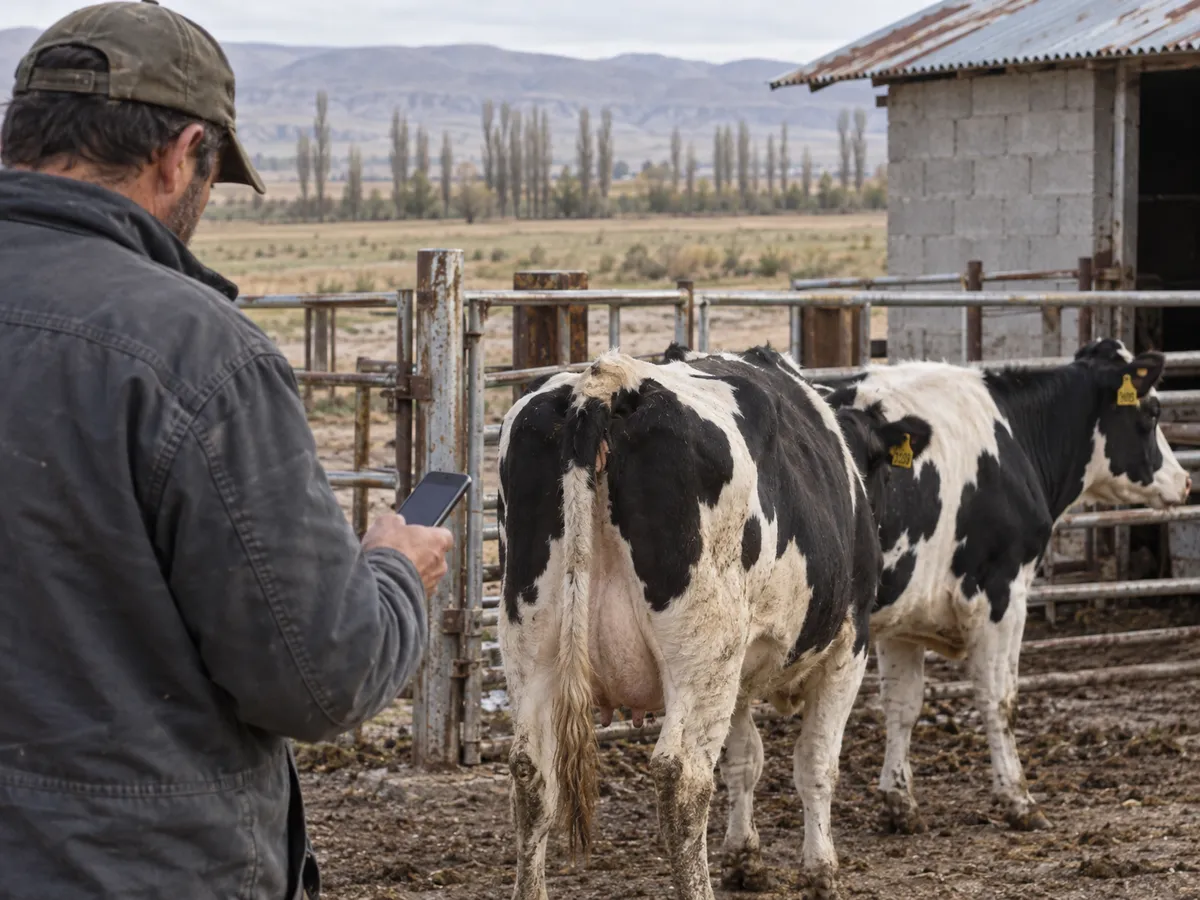
Offline herd records let you log the day’s work beside the animals, even when the phone loses signal in the barn or out on pasture.
Ender Soyuince ·
Log each job at the chute or pen
HerdMobile works without an internet connection. Everything you enter stays on your Android phone, so you can record a calving, a treatment or a feed delivery right beside the animals, even with no signal.
Make record-keeping a weekly habit
Once a week, take a few minutes to look over the latest entries. Save a backup file to a folder or drive you trust, and try restoring it on a spare phone so you know it works before the day you need it.
Keep animal histories, feed stock and farm accounts in one place with HerdMobile, and log the day’s work on your phone even where the signal is weak.
Feed shed habits that keep your stock figures right
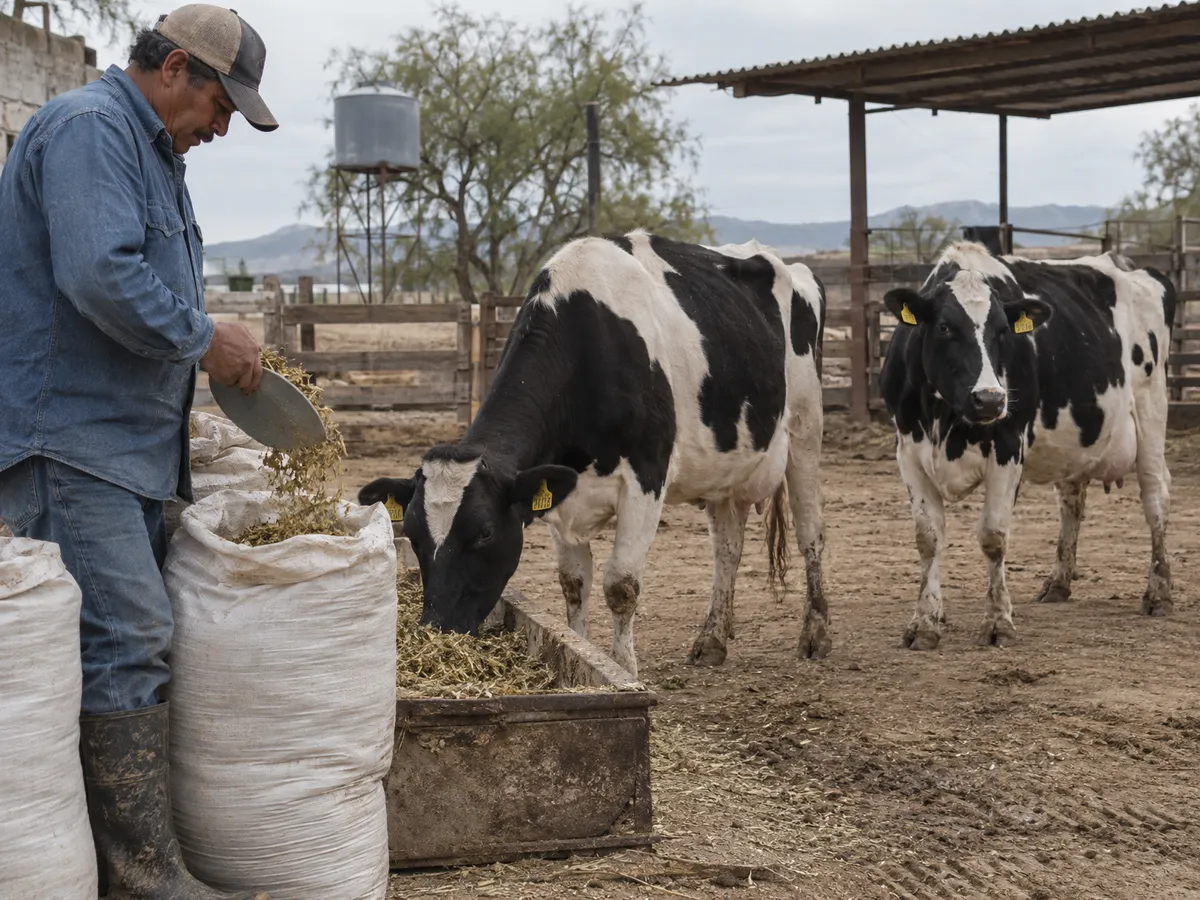
Simple daily routines that keep feed deliveries, feed use and ration notes accurate and easy to check against the shed.
Ender Soyuince ·
Record deliveries and feeding as you go
Give every feed one clear name that everyone on the farm uses, and record deliveries, corrections and daily feeding as they happen. Entries made on the spot keep the stock on your phone in line with what is really in the shed.
Count the shed before you order more feed
Count the usable feed in the store and compare it with the stock on your phone, then bring purchases and feed use up to date before you plan the next order. HerdMobile warns you when a feed runs low and works out the daily ration from your own feeds, with the cost per head per day.
Keep animal histories, feed stock and farm accounts in one place with HerdMobile, and log the day’s work on your phone even where the signal is weak.
Make and test a herd backup before you need it
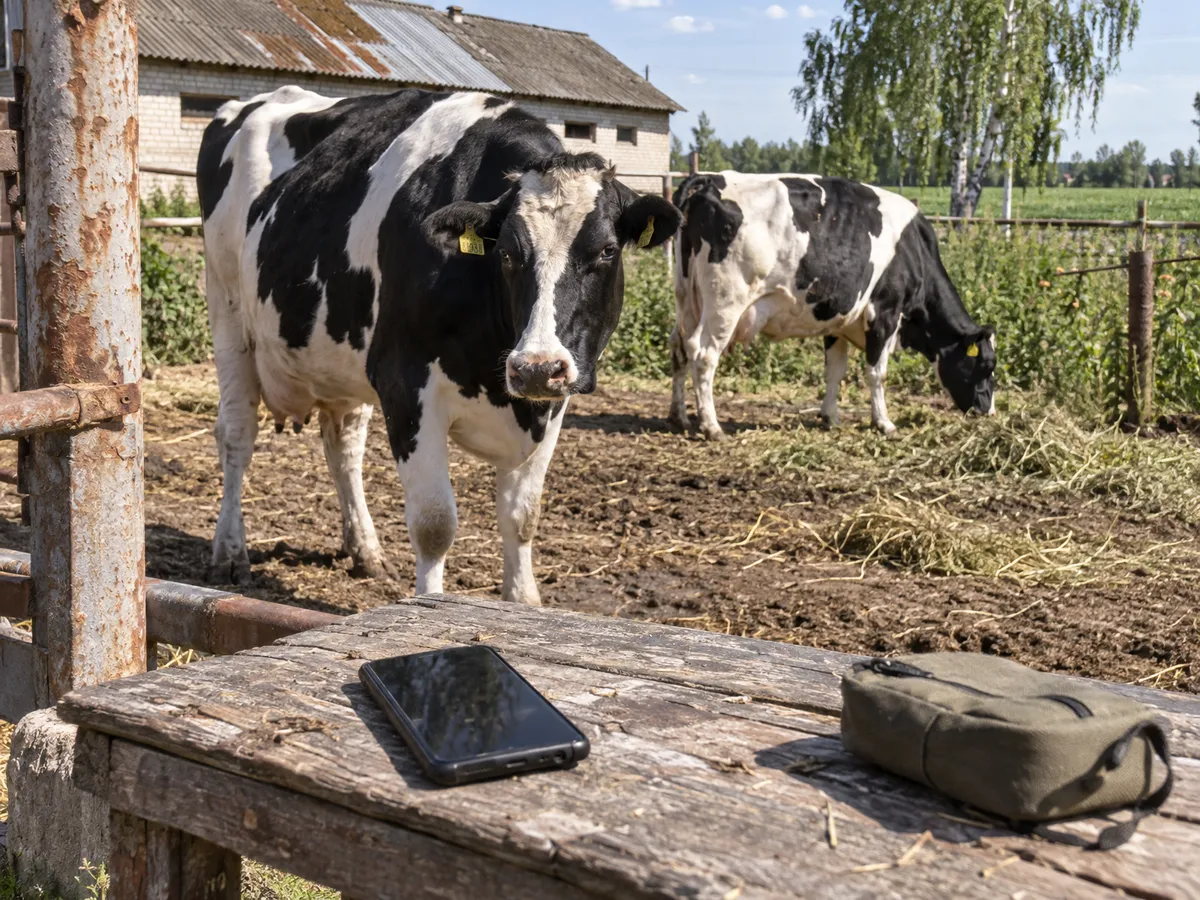
A quick routine for saving your herd backup file and checking that it will restore when you need it.
Ender Soyuince ·
Save your backup file and keep your PIN safe
Create a backup in HerdMobile and save the file to a folder or drive you choose. If the backup is protected with a PIN, keep that PIN as safe as the file. Back up on a set day and keep a copy somewhere safe.
Try a restore on a spare phone
Restore the backup on a spare phone and check that your animals and records are all there. Keep a second up-to-date copy in another safe place, and a lost or broken phone will not cost you your herd records.
Keep animal histories, feed stock and farm accounts in one place with HerdMobile, and log the day’s work on your phone even where the signal is weak.
Cattle record-keeping you can keep up every day
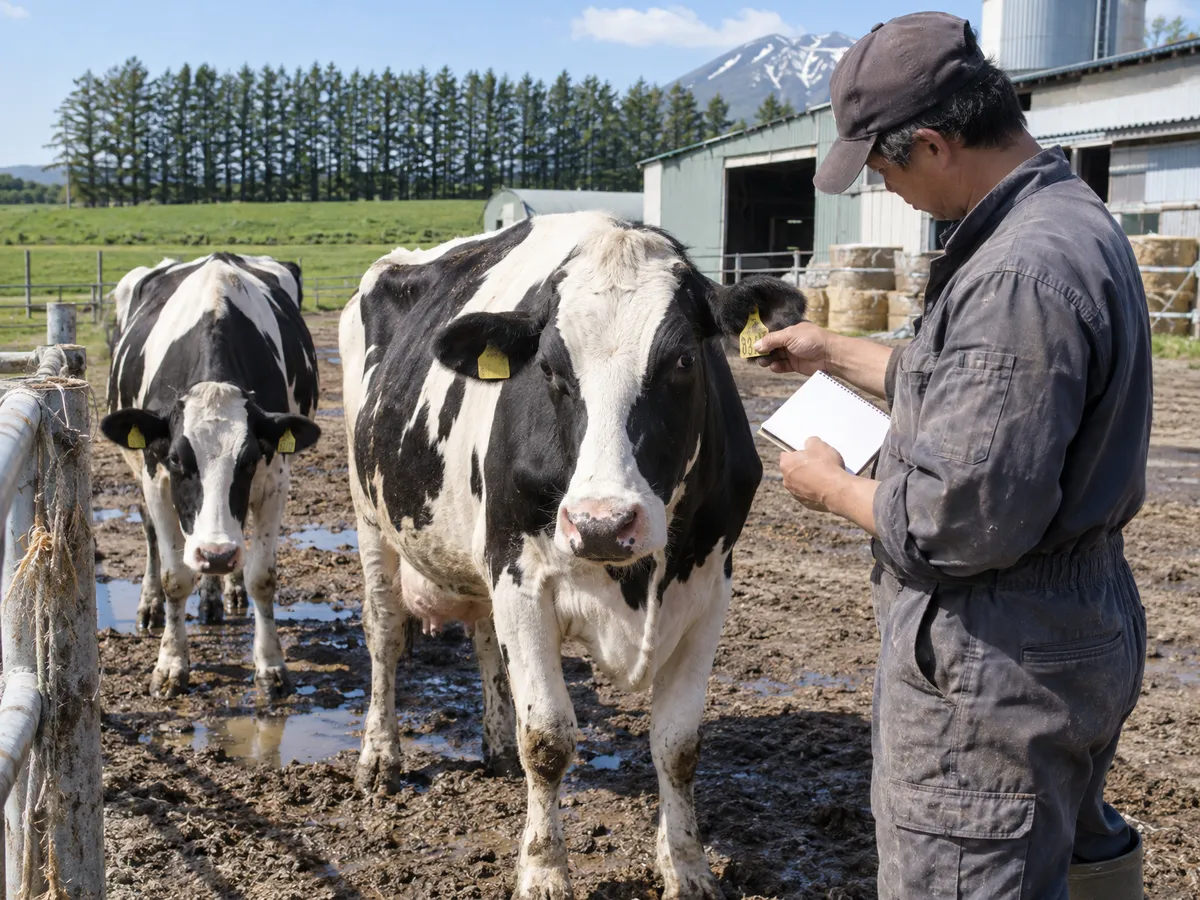
Practical ways to keep ear tags, reminders and daily barn notes in order, so you always know which job comes next.
Ender Soyuince ·
Stick to one clear ear tag and naming system
Use the same ear tag and naming style across the whole herd, and record calvings, treatments and moves straight away. A quick weekly check catches duplicate tags or missing notes before they cause mix-ups.
Open the animal’s history when the next job is due
Set a reminder for the next check, and when it comes up, open the animal’s history in HerdMobile. You see the latest calving, health and group-change notes in one place; do the job, then add the new event with its date.
Keep animal histories, feed stock and farm accounts in one place with HerdMobile, and log the day’s work on your phone even where the signal is weak.