Ear tags and animal ID: keep every animal clear
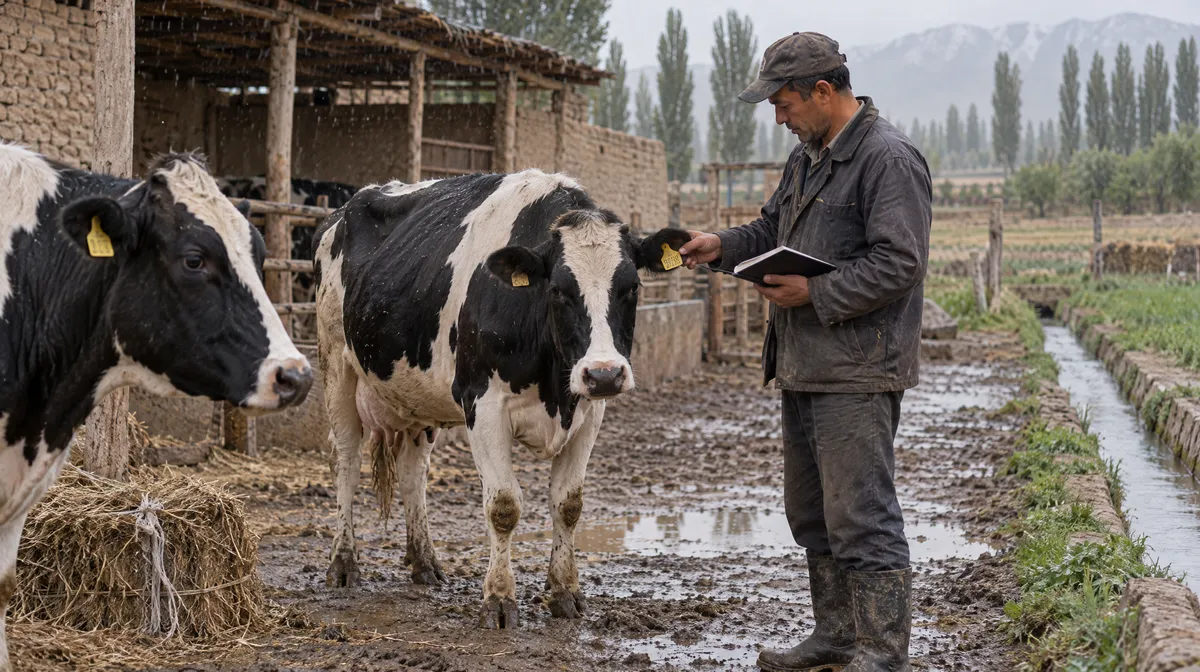
An ear tag number identifies one animal from birth to sale. Write the number consistently, note the species, sex, birth date and parents when known, and record any replacement tag. Keeping the old and new numbers together lets you follow the same animal throughout its life.
Compiled from open-access scientific sources.
Reference values and basis
| Parameter and basis | Value |
|---|---|
| Ear tag number | Identifies the animal; read the tag in its ear before writing it down |
| Species and sex | Cattle, sheep or goat; female, male or unknown |
| Breed | Add it if known; spell each breed consistently |
| Birth date | Exact date, or the best known date for a purchased animal |
| Parents' tag numbers | Note them if known, so you can trace each calf's dam |
| Status | Active, sold, dead, slaughtered or lost |
Why does each animal need a unique number?
A unique ear tag number keeps each animal's vaccinations, calvings and sales from getting mixed up. If two animals share a number, or you write the same number differently, you can lose track of what happened to which animal. Choose one way to write tag numbers, such as digits only, while keeping the number exactly as printed on the tag. Whenever you add an animal or note an event, read the tag in its ear rather than relying on memory. One unique number per animal makes identification reliable on a small family farm as well as in a large herd.
What should you note for each animal?
Start with what you can check in the barn: the ear tag, species, sex and the herd or group the animal belongs to. Add its breed and birth date when known. For a calf born on your farm, note the dam's tag at birth so you can later see which cows produced the calves you kept or sold. Note the sire's tag when you know the bull, whether from natural service or insemination. If you do not know something, leave it blank until you can check. Missing information is easier to put right than a guess mistaken for fact.
Purchased animals
Note the animal's existing tag number, purchase date and best known birth date. Replace the tag only if it is missing or unreadable.
Calves born on the farm
Note the dam's tag, birth date and sex in the calf's first days, before moving it into a group pen.
What should you do if an ear tag needs replacing?
Keep following the same animal when you replace its tag. Note the date and both the old and new numbers, so earlier vaccinations, treatments and breeding history remain easy to trace. If the tag is missing or unreadable, check the animal's dam, birth date, sex and group. Ask the person who knows the herd to confirm its identity before fitting a new tag. Write down who confirmed it, too, so you can check the decision later without losing the animal's earlier history.
What should you do when an animal leaves?
Keep the animal's history and note whether it was sold, died, was slaughtered or went missing. You may need those details for reports, accounts or questions from a buyer or inspector. Your current herd should include only the animals still on the farm, while you can look back at those that have left. Once a month, compare your current herd with a head count in the barn. A difference may mean a departure was missed or the same tag number was used twice.
Questions from the farm
Can two animals share the same ear tag number?
Each animal in a herd needs its own number. Shared numbers mix up animal histories, so check the tag and correct any duplicates straight away.
What should I do if an animal loses its ear tag?
Confirm the animal using its dam's tag, birth date, sex and group. Fit a new tag and note the change alongside its earlier history.
Do purchased animals need a birth date too?
Use the best known birth date. An approximate date is more useful than no date, and you can correct it later.
Should I delete a sold animal's history?
Mark the animal as sold. You can still review its history while keeping your current herd up to date.
How HerdMobile helps
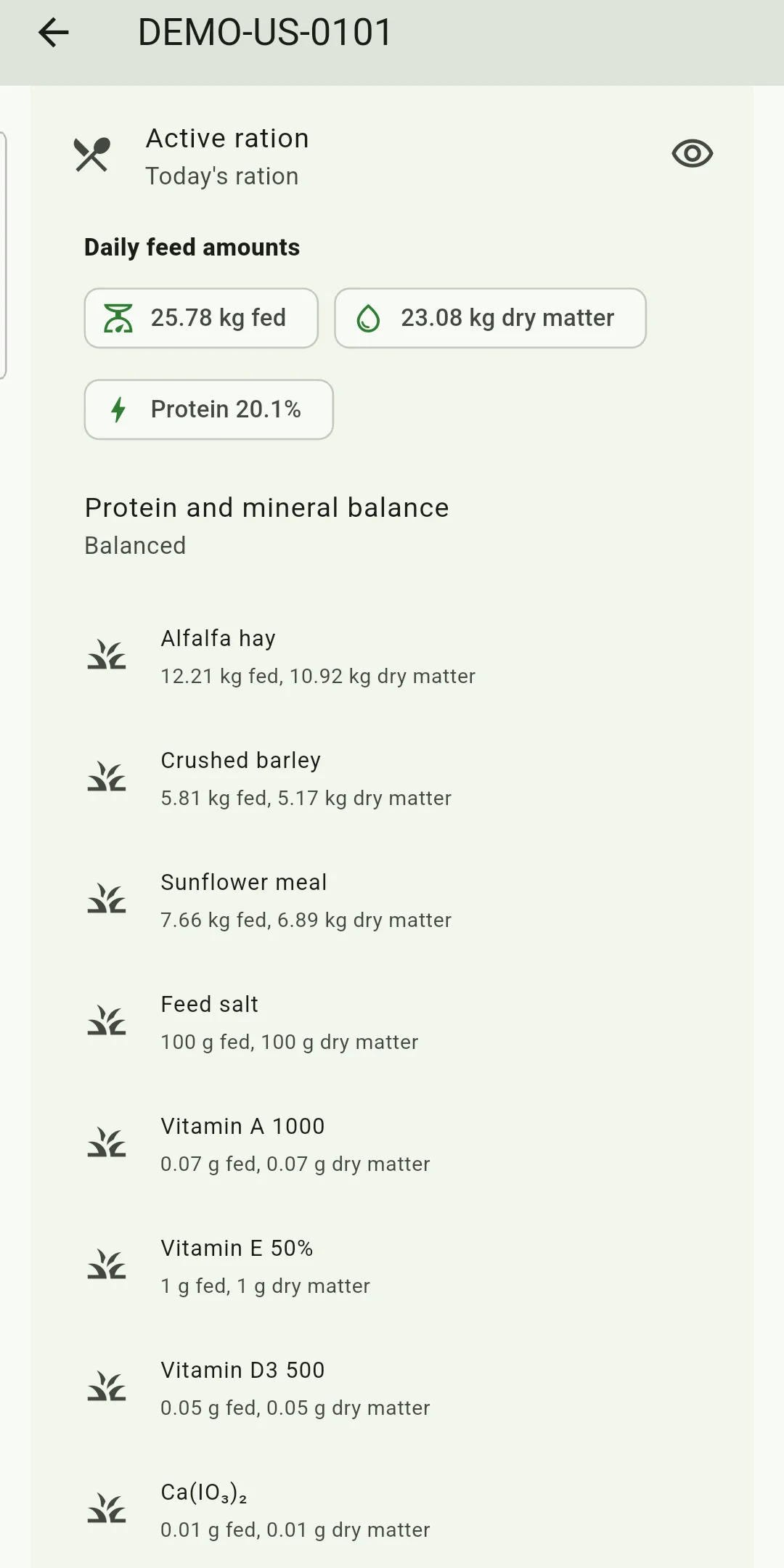
Bring your animals, feed stocks and farm accounts together on your Android phone. HerdMobile keeps your daily work moving offline: record events, compare feed quantities and follow sales and payments in one place. Use your own feeds and herd information to prepare a ration, then keep a backup file under your control.
HerdMobile helps you follow animals by ear tag across your herds and groups. Check species, sex, breed, birth date and parentage, then look back at health, calvings, breeding, sales and tag changes. You can still review animals that were sold, died, were slaughtered or went missing. Their history stays on your phone, ready to use offline.

Sources
Continue reading
- Farm record keeping: a routine you can keep up
- Calving preparation: a clear handover between shifts
- Body condition scores: always note the scale
- Heat detection records: plan your breeding calendar
- Vaccination log: what to note for each animal
- Breed profiles: milk fat and protein by breed
- Feed library: compare nutrients and dry matter